

AI Video Generator
Create with leading video models, all in one place.
Image to Video
Bring still images to life with natural motion.
Text to Video
Turn prompts into polished videos in minutes.
VisClub 3.0
Wan 3.0
Seedance 2.5
MinMax H3
AI Image Generator
Explore leading image models and find your visual style.
Image to Image
Remix any image into fresh styles with AI.
Text to Image
Turn ideas into polished visuals worth sharing.
VisClub 2.0
Seedance 5.0
Z-image
Gork 2.5
VisClub.ai
Home
Video AI
Image AI
PricingBlogs
Home
AI Creation
Workspace

AI Image Editor

Img2Img
Img2Img
Outfit
Outfit
Txt2Img
Txt2Img
Portrait
Portrait
Edit
Edit

AI Image Editor

Loading...
Upload Image
Upload Image
Description
0/2000
Number of Output Images
Refine and transform your images with AI. Change details, adjust styles, improve visuals, and create the look you want with less editing effort.
No creations yet

AI Image Editor for Prompt-Based Photo Changes

Make targeted AI image edits with plain-language instructions. Change a background, refine an outfit, or remove a distraction while keeping the parts of a personal or creator image that matter.

Banana ProBanana Pro
GPT-Image-2GPT-Image-2
VisClub.aiVisClub.ai
Qwen ImageQwen Image
Stable DiffusionStable Diffusion
Banana ProBanana Pro
GPT-Image-2GPT-Image-2
VisClub.aiVisClub.ai
Qwen ImageQwen Image
Stable DiffusionStable Diffusion
Banana ProBanana Pro
GPT-Image-2GPT-Image-2
VisClub.aiVisClub.ai
Qwen ImageQwen Image
Stable DiffusionStable Diffusion
Banana ProBanana Pro
GPT-Image-2GPT-Image-2
VisClub.aiVisClub.ai
Qwen ImageQwen Image
Stable DiffusionStable Diffusion
Flux2 KleinFlux2 Klein
grokgrok
midjourneymidjourney
SeedreamSeedream
Vidu Q3Vidu Q3
Flux2 KleinFlux2 Klein
grokgrok
midjourneymidjourney
SeedreamSeedream
Vidu Q3Vidu Q3
Flux2 KleinFlux2 Klein
grokgrok
midjourneymidjourney
SeedreamSeedream
Vidu Q3Vidu Q3
Flux2 KleinFlux2 Klein
grokgrok
midjourneymidjourney
SeedreamSeedream
Vidu Q3Vidu Q3

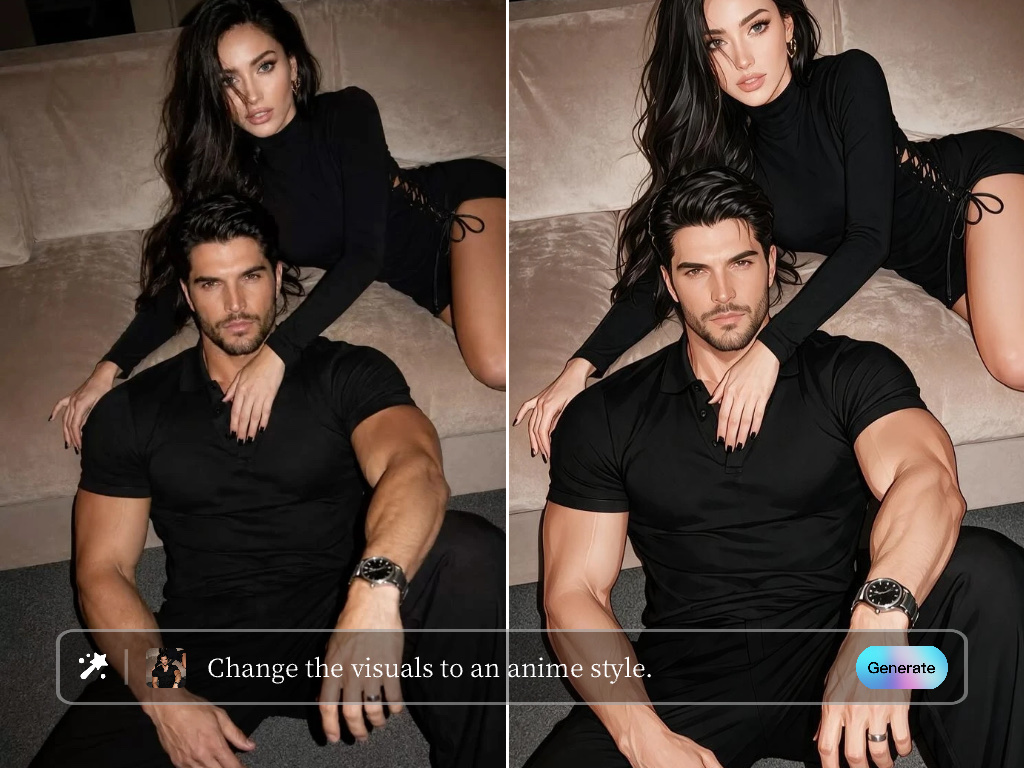
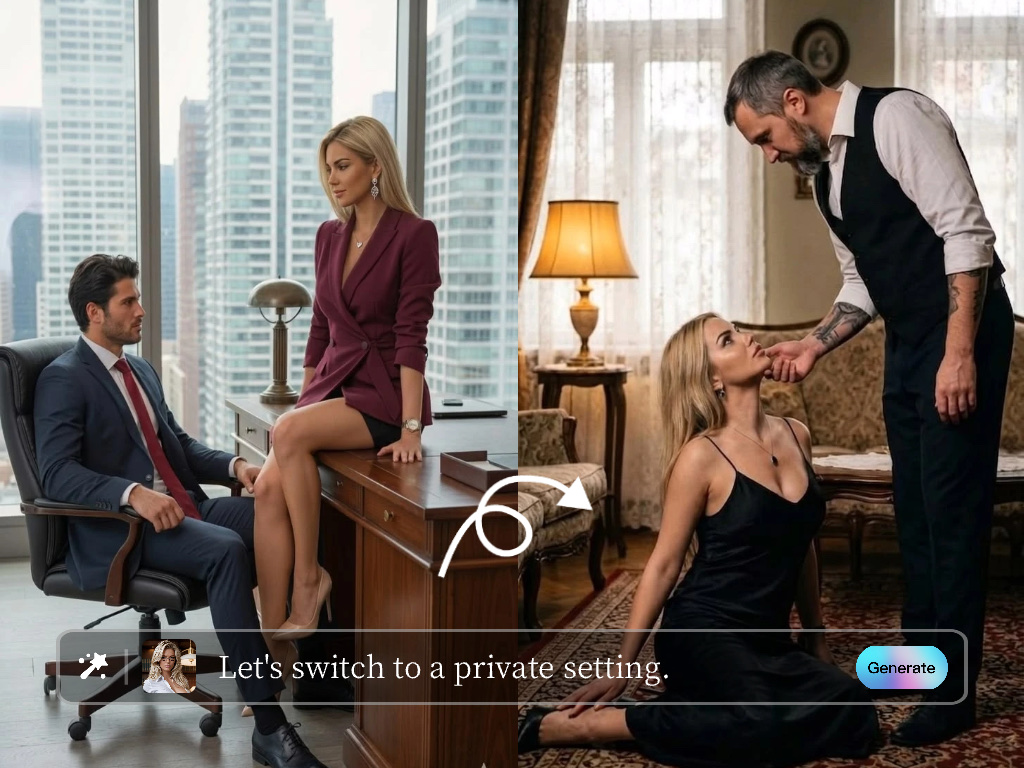
Edit a Photo Without Starting Over

Adjust a visible object, background, clothing detail, or visual style in an existing image. Keep the original subject and composition when the goal is a focused improvement.

before
highlight

Say What to Change and What to Keep

Use a clear image with the edit area in view. Name the exact change, then list the face, pose, framing, or setting that should remain; separate major transformations into later edits.

workflow

Refine a Personal Favorite

Clean up a portrait, change the setting, or try a new detail in a personal photo. Compare versions before choosing an image to save or share.

workflow

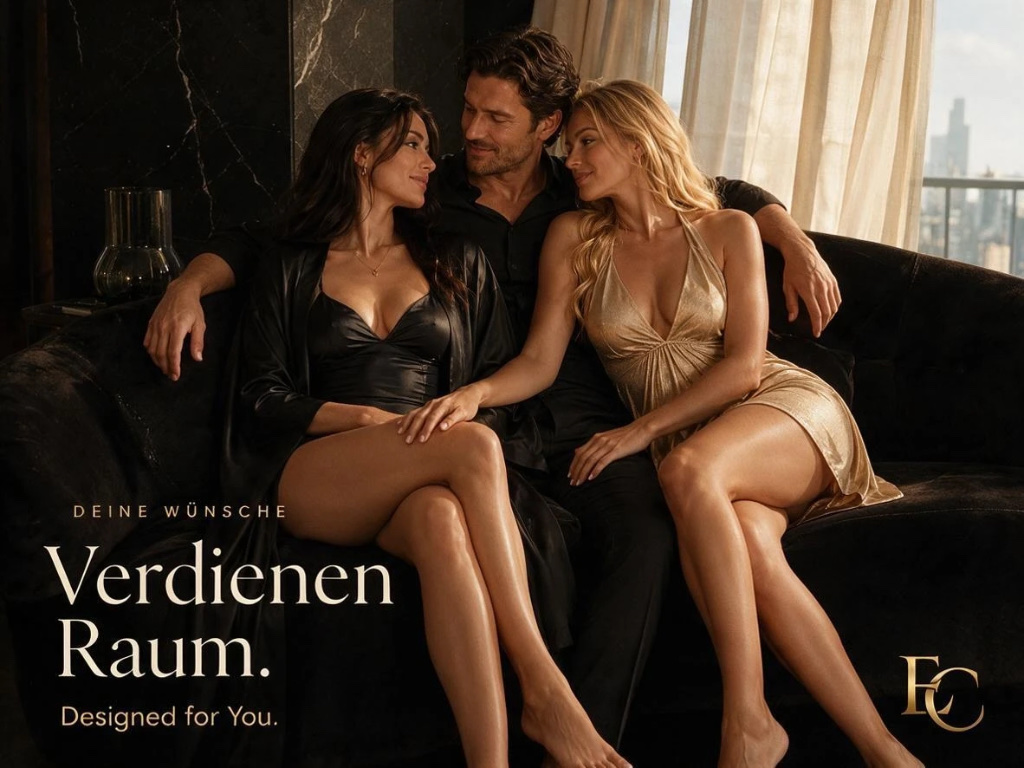
Prepare Visuals for Publishing

Revise approved character assets, campaign images, or client concepts in focused passes. Confirm that the edit still matches the brief and respects the source image rights.
workflow

Edit clothes in a photo

Restyle clothing without rebuilding the entire portrait or scene. Use the result for a personal visual story or approved creator content.

More Related AI Image tools

FAQs

An AI image editor applies requested visual changes to an existing image using natural-language instructions or guided controls.
Common directions include changing backgrounds, outfits, colors, objects, lighting, and selected visual details.
Clearly state what must remain, use a clean source image, and request one focused edit at a time.
Yes. Generated visuals can be refined and reused as part of a broader creative workflow.
Generative edits can reinterpret details. Review each result and refine the instruction when precision matters.
Only when you have the rights to the source image and the intended use is permitted under your plan and client agreement.

Unlock more creative experiences and get 100 Gems.

Get More Gems

Gem Pack (undefined)
$
Gem Pack
$
Subtotal$

Your payment information is fully secure. We follow PCI-DSS standards and are verified by Mastercard SecureCode and Visa Secure.

This is a one-time payment.No automatic renewals or hidden fees.

Select Payment Method

PayPal
Terms|Privacy