
AI Video Generator
Create with leading video models, all in one place.
Image to Video
Bring still images to life with natural motion.
Text to Video
Turn prompts into polished videos in minutes.
VisClub 3.0
Wan 3.0
Seedance 2.5
MinMax H3
AI Image Generator
Explore leading image models and find your visual style.
Image to Image
Remix any image into fresh styles with AI.
Text to Image
Turn ideas into polished visuals worth sharing.
VisClub 2.0
Seedance 5.0
Z-image
Gork 2.5
VisClub.ai
Home
Video AI
Image AI
PricingBlogs
Home
AI Creation
Workspace

AI Image to Image Generator

Img2Img
Img2Img
Outfit
Outfit
Txt2Img
Txt2Img
Portrait
Portrait
Edit
Edit
Loading...
Upload Image
Description
0/2000
Number of Output Images
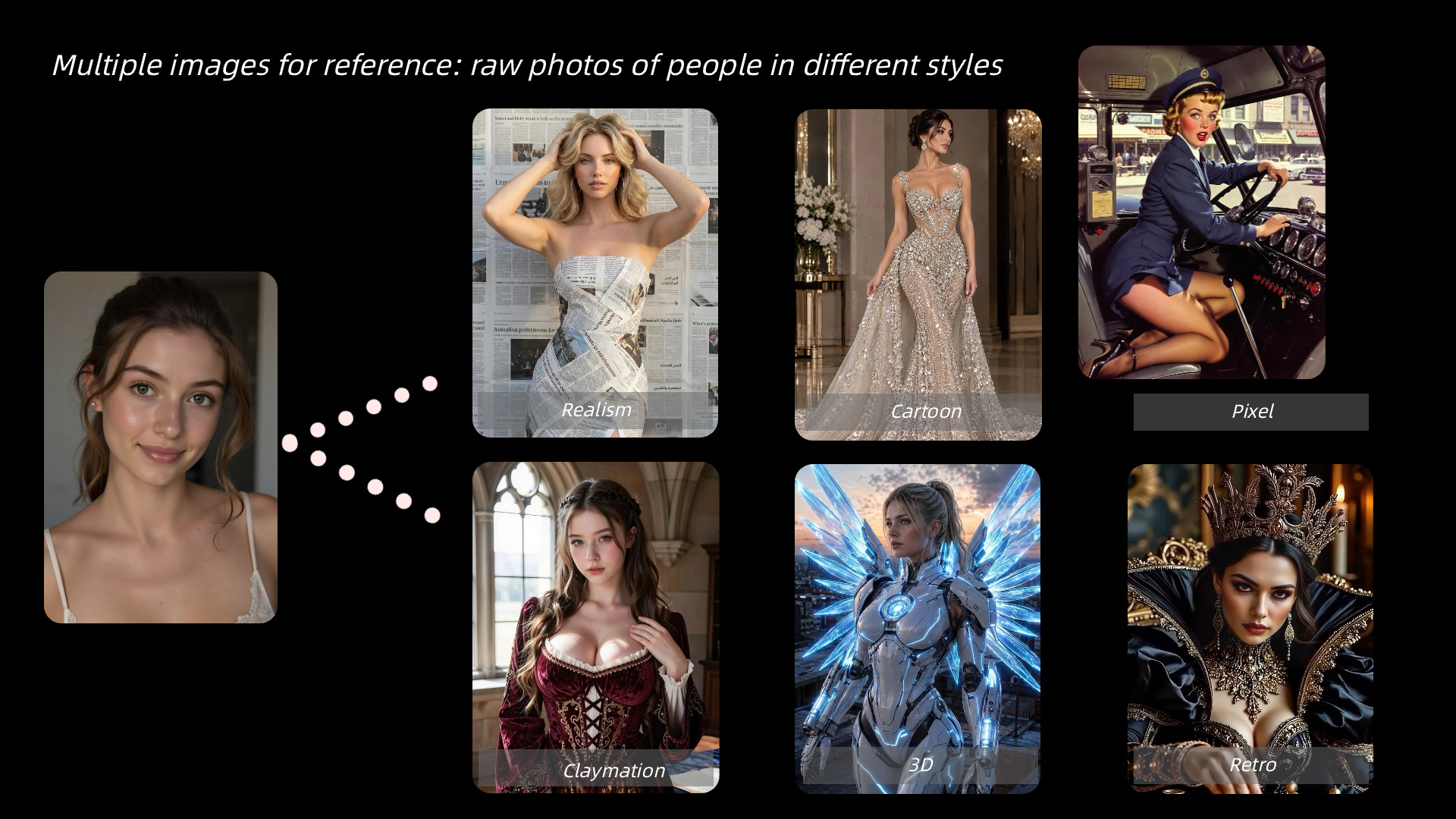
Reimagine your images with new styles, looks, and creative scenes while keeping the details that make your original visuals unique.
No creations yet

AI Image to Image Generator for Controlled Variations

Transform an existing image into fresh visual variations. Explore new outfits, settings, and styles while keeping a familiar subject or composition at the center of your image-to-image project.

Banana ProBanana Pro
GPT-Image-2GPT-Image-2
VisClub.aiVisClub.ai
Qwen ImageQwen Image
Stable DiffusionStable Diffusion
Banana ProBanana Pro
GPT-Image-2GPT-Image-2
VisClub.aiVisClub.ai
Qwen ImageQwen Image
Stable DiffusionStable Diffusion
Banana ProBanana Pro
GPT-Image-2GPT-Image-2
VisClub.aiVisClub.ai
Qwen ImageQwen Image
Stable DiffusionStable Diffusion
Banana ProBanana Pro
GPT-Image-2GPT-Image-2
VisClub.aiVisClub.ai
Qwen ImageQwen Image
Stable DiffusionStable Diffusion
Flux2 KleinFlux2 Klein
grokgrok
midjourneymidjourney
SeedreamSeedream
Vidu Q3Vidu Q3
Flux2 KleinFlux2 Klein
grokgrok
midjourneymidjourney
SeedreamSeedream
Vidu Q3Vidu Q3
Flux2 KleinFlux2 Klein
grokgrok
midjourneymidjourney
SeedreamSeedream
Vidu Q3Vidu Q3
Flux2 KleinFlux2 Klein
grokgrok
midjourneymidjourney
SeedreamSeedream
Vidu Q3Vidu Q3

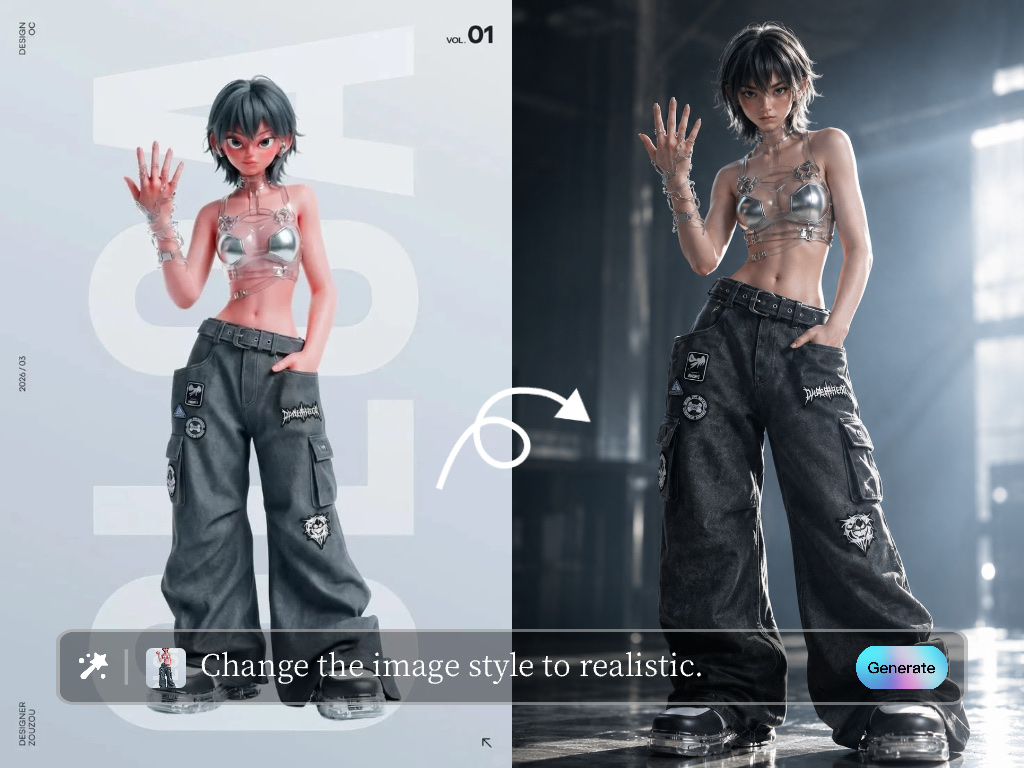
Restyle a Photo Without Losing Its Idea

Use a source image to explore a different look, location, color palette, or character scene. Choose what should stay recognizable and what should change for each new variation.

before
highlight

Separate What to Keep from What to Change

Start with a clean image and name the subject or composition to preserve. Then describe one transformation, such as a new outfit or background, plus the mood you want.

workflow

Explore a Favorite Image in New Ways

Try a new style for a portrait, hobby photo, or fictional character. Save the variation you like while keeping the original image available for comparison.

workflow

Make Consistent Creator Variations

Adapt approved visual assets into alternate campaign looks, character scenes, or client options. Keep the same subject reference to make a series easier to recognize.
workflow

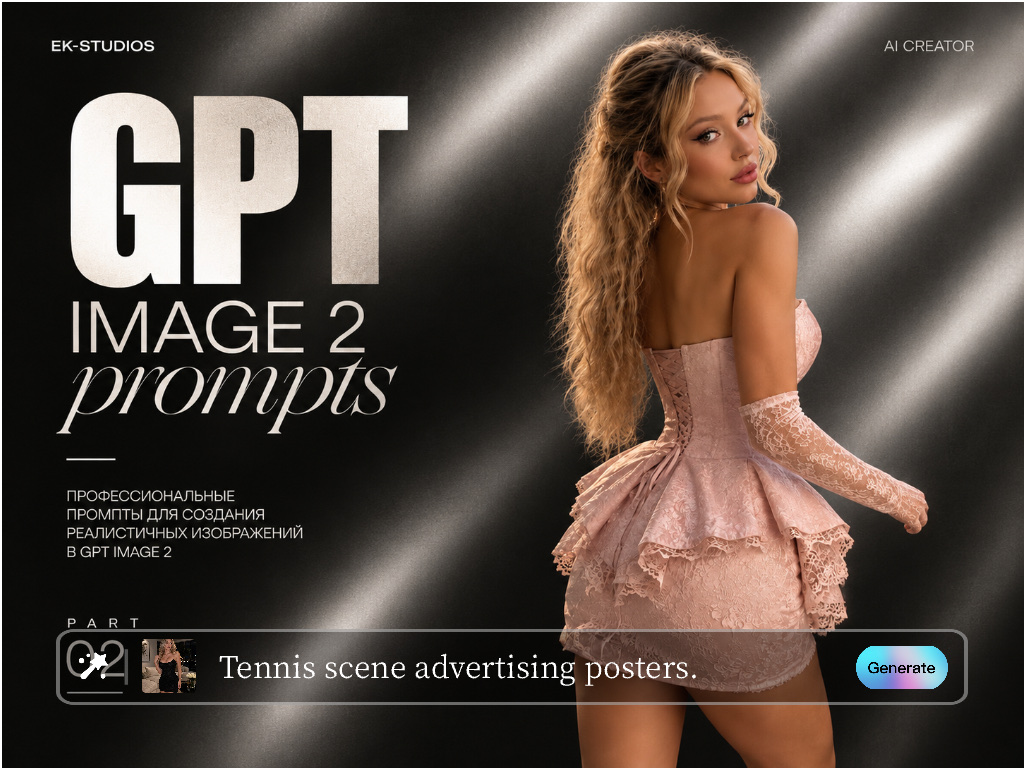
Preserve character identity

Preserve defining traits while testing new character looks and scenes. Use the result for a personal visual story or approved creator content.

More Related AI Image tools

FAQs

Image-to-image AI generates a new visual from an uploaded reference while applying changes described in a prompt.
You can explore style, setting, clothing, lighting, mood, and other visible details, depending on the source image and model.
Use a clear source image and explicitly describe the identity, composition, or features that should remain consistent.
They overlap, but image-to-image often creates broader variations while an editor may focus on targeted changes.
Yes, provided you own the image or have permission to use it and the content follows platform rules.
Yes. Keep the authorized subject reference and key traits consistent while changing one visual element at a time.

Unlock more creative experiences and get 100 Gems.

Get More Gems

Gem Pack (undefined)
$
Gem Pack
$
Subtotal$

Your payment information is fully secure. We follow PCI-DSS standards and are verified by Mastercard SecureCode and Visa Secure.

This is a one-time payment.No automatic renewals or hidden fees.

Select Payment Method

PayPal
Terms|Privacy