







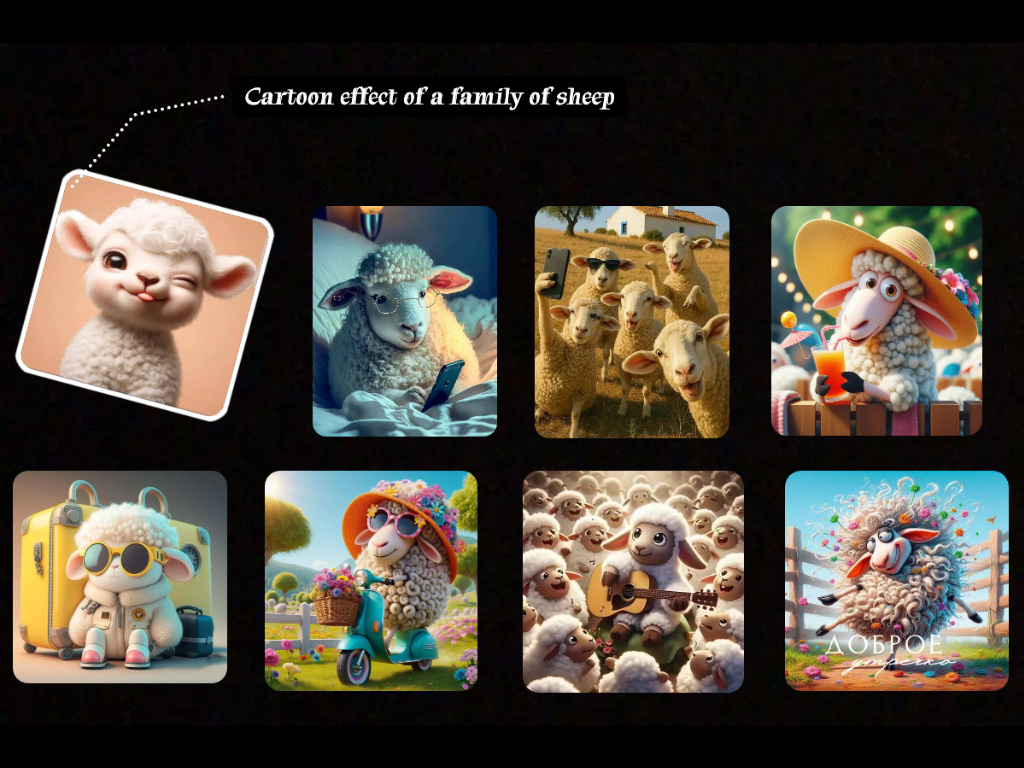
Explore a Favorite Image in New Ways
Try a new style for a portrait, hobby photo, or fictional character. Save the variation you like while keeping the original image available for comparison.


Transform an existing image into fresh visual variations. Explore new outfits, settings, and styles while keeping a familiar subject or composition at the center of your image-to-image project.
 Banana Pro
 GPT-Image-2
 VisClub.ai
 Qwen Image
 Stable DiffusionBanana ProGPT-Image-2VisClub.aiQwen ImageStable DiffusionBanana ProGPT-Image-2VisClub.aiQwen ImageStable DiffusionBanana ProGPT-Image-2VisClub.aiQwen ImageStable Diffusion
 Flux2 Klein
 grok
 midjourney
 Seedream
 Vidu Q3Flux2 KleingrokmidjourneySeedreamVidu Q3Flux2 KleingrokmidjourneySeedreamVidu Q3Flux2 KleingrokmidjourneySeedreamVidu Q3
Use a source image to explore a different look, location, color palette, or character scene. Choose what should stay recognizable and what should change for each new variation.
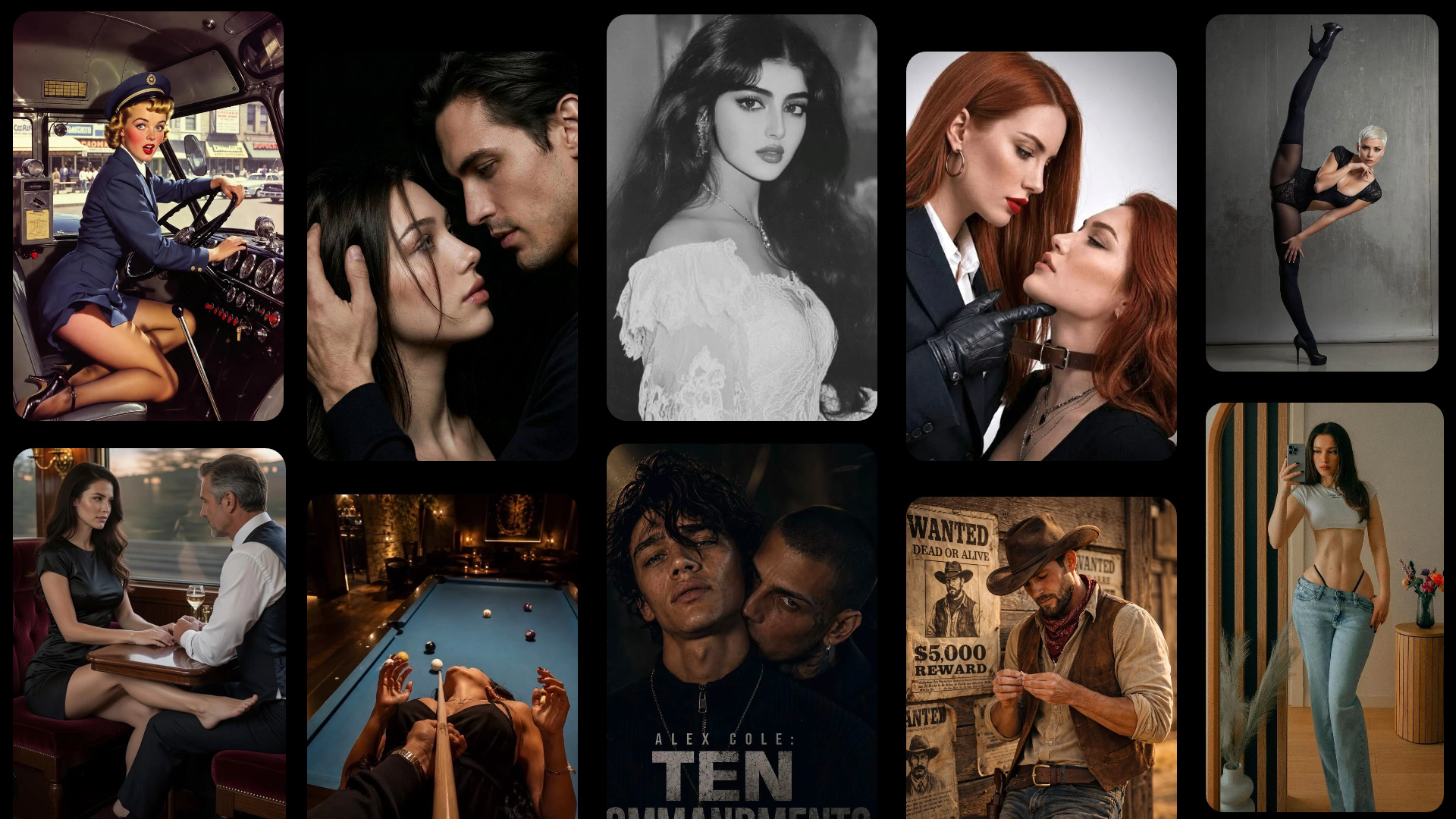
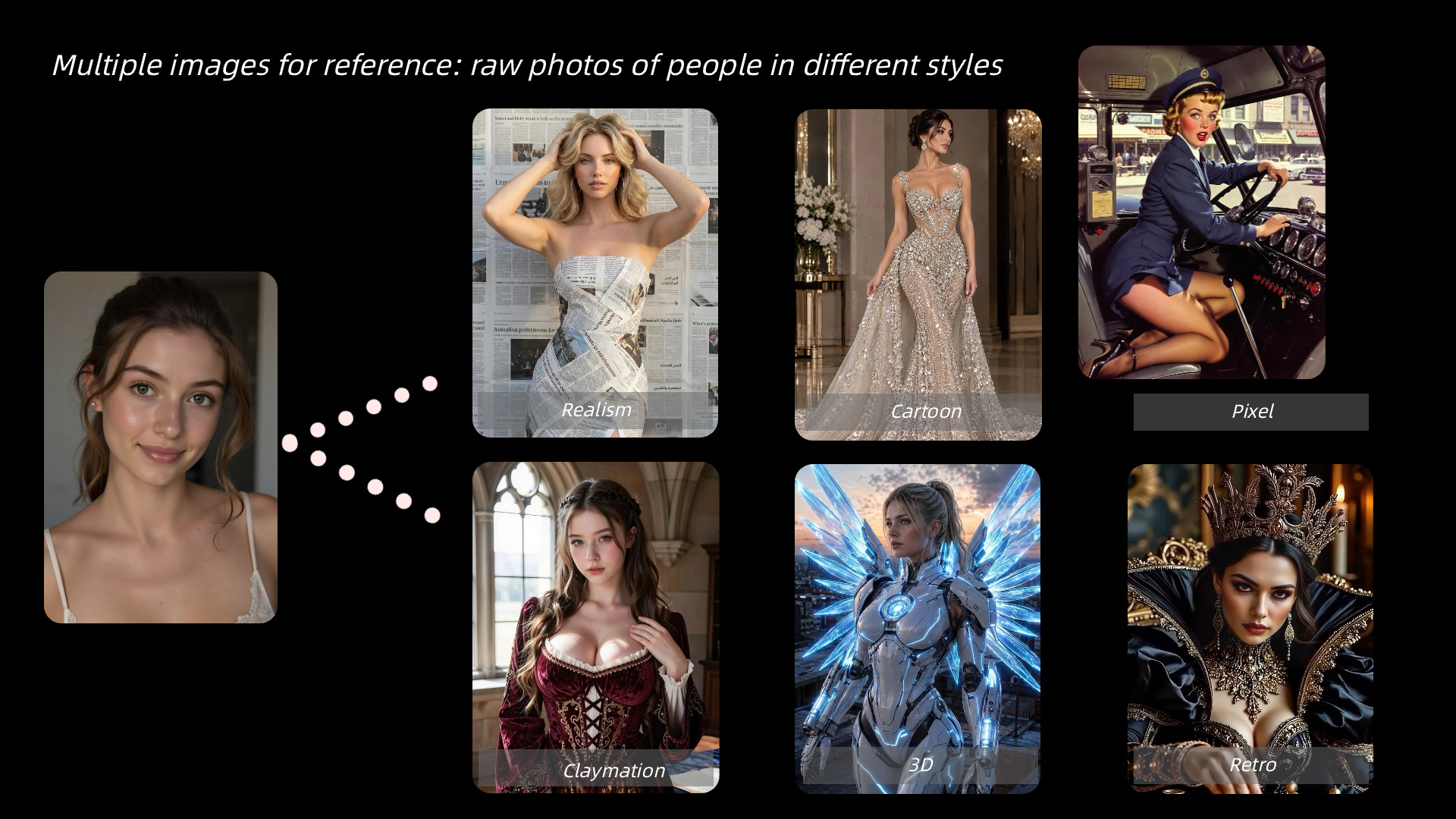
Start with a clean image and name the subject or composition to preserve. Then describe one transformation, such as a new outfit or background, plus the mood you want.
Try a new style for a portrait, hobby photo, or fictional character. Save the variation you like while keeping the original image available for comparison.
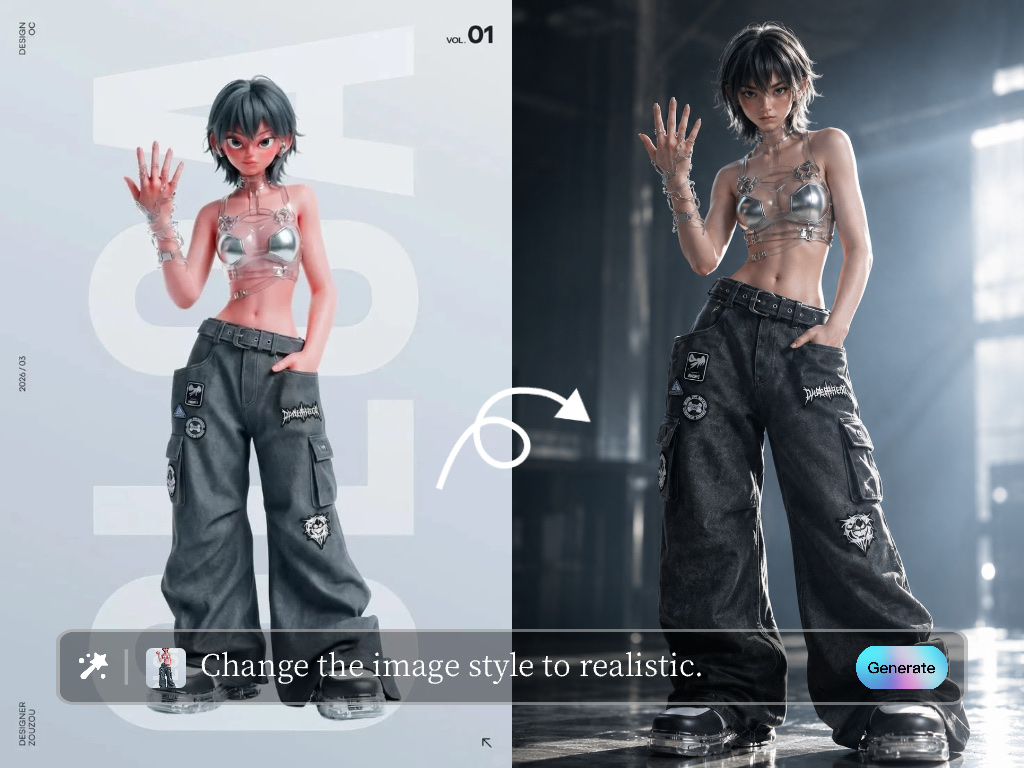
Adapt approved visual assets into alternate campaign looks, character scenes, or client options. Keep the same subject reference to make a series easier to recognize.
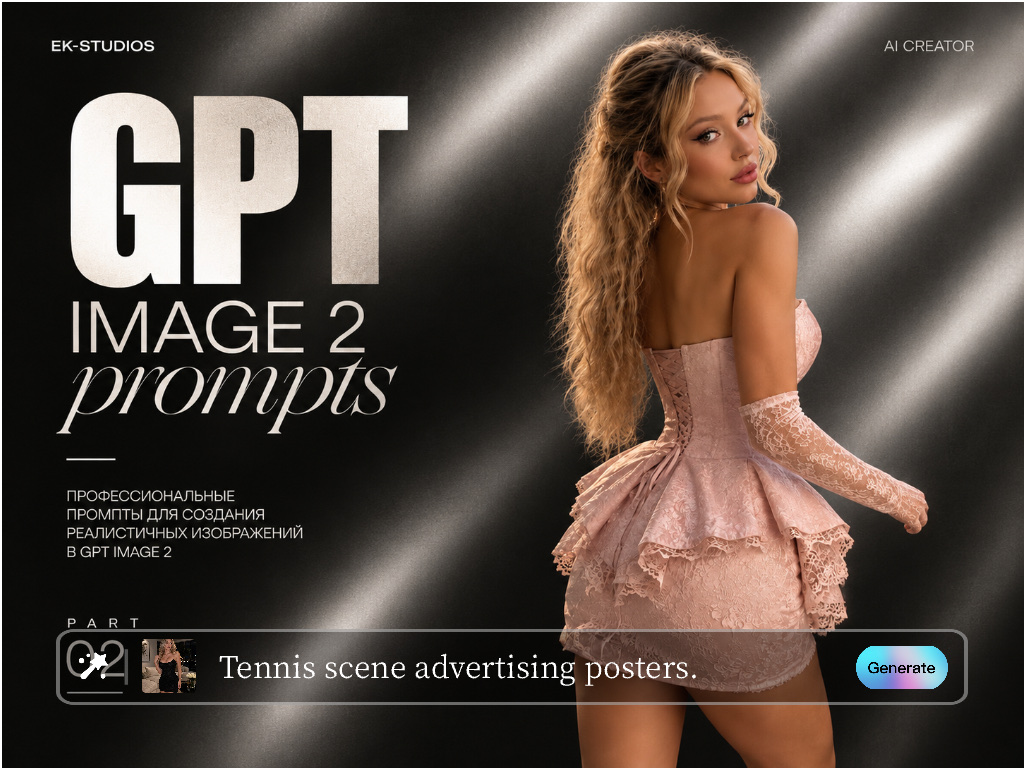
Preserve defining traits while testing new character looks and scenes. Use the result for a personal visual story or approved creator content.

